
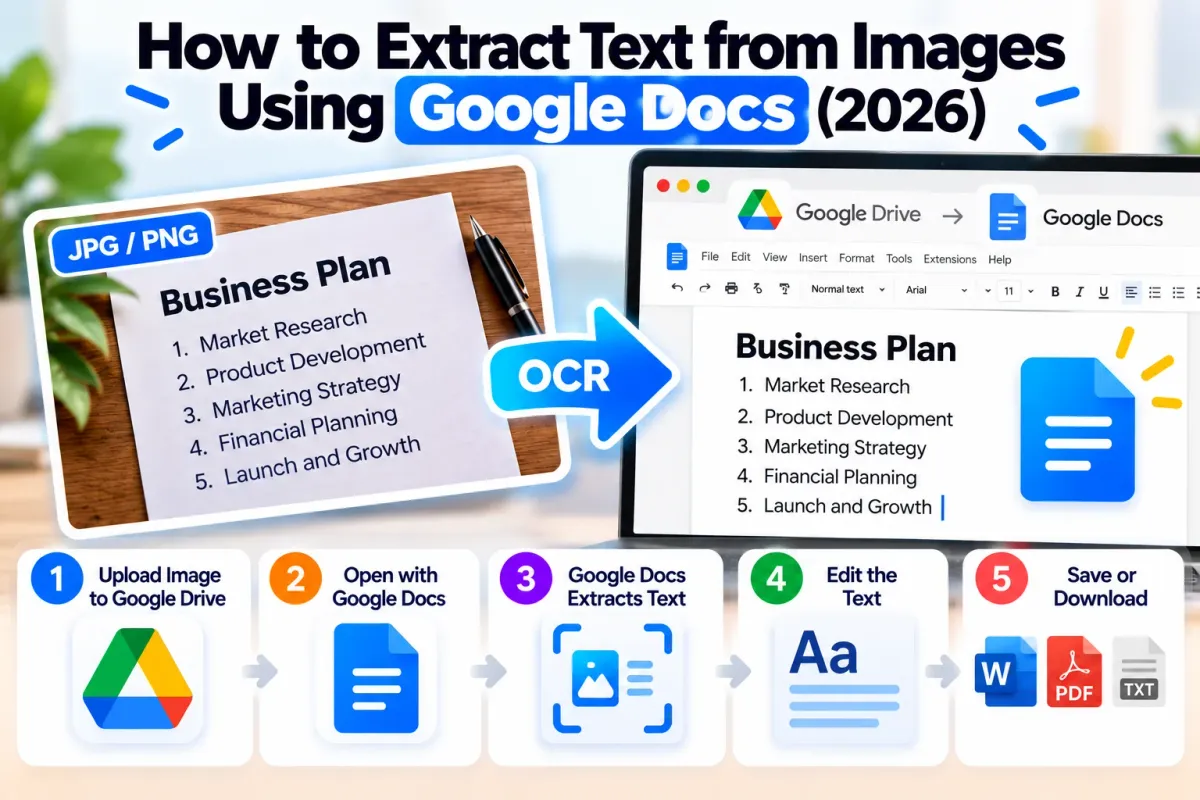
How to Extract Text from Image in Google Docs: Free Guide
Learn how to extract text from JPG, PNG and scanned images using Google Docs OCR. Follow step-by-step instructions, fix recognition errors and explore free alternatives.
Convert, compress, merge, edit and manage PDF files, images and documents online with OneFileKit. Explore free file converters and productivity tools directly from your browser.
OneFileKit
Explore free online PDF tools, image converters, document utilities, video tools and developer resources. Choose a category to find the right tool for your task.
Access popular online tools to convert PDF to Word, compress PDF files, merge documents, convert images and manage files quickly and easily.
Convert PDF to Word, Excel, PowerPoint, images and text
Convert PDF to editable Word documents
Extract text from scanned and image-based PDFs using OCR
Extract tables and data from PDFs into editable Excel files
Convert PDF files into editable PowerPoint presentations (PPTX)
View, search and navigate PDF files online with a fast, secure PDF reader
Convert PDF files to PDF/A archival standards with conformance validation
Add text, images, signatures, annotations and edit PDF pages online
Combine multiple PDFs into one file
Add highlights, comments, drawings, shapes, stamps and signatures to PDFs
Add an electronic signature, initials, date and other signing elements to your PDF
Reduce PDF file size while keeping practical quality
OneFileKit makes PDF conversion, image compression and document management easier with free browser-based tools designed for everyday tasks.
Use OneFileKit's free PDF, image and document tools for everyday file tasks without installing software.
OneFileKit uses privacy-focused file processing. Check individual tool pages for upload limits and file-retention details.
Convert, compress and manage supported files through straightforward online workflows.
Access supported PDF and file tools through modern browsers on desktop, tablet and mobile devices.
Convert, compress or edit supported files online in three simple steps, without installing additional software.
Choose a file from your device or drag and drop it into the tool.
Select your options and let OneFileKit handle the conversion or edit.
Download your finished file instantly when processing is complete.
Explore OneFileKit's free PDF converters, image tools and document utilities to simplify everyday file tasks.
Practical guides for working with PDFs, images, and documents.
Learn how to extract text from JPG, PNG and scanned images using Google Docs OCR. Follow step-by-step instructions, fix recognition errors and explore free alternatives.
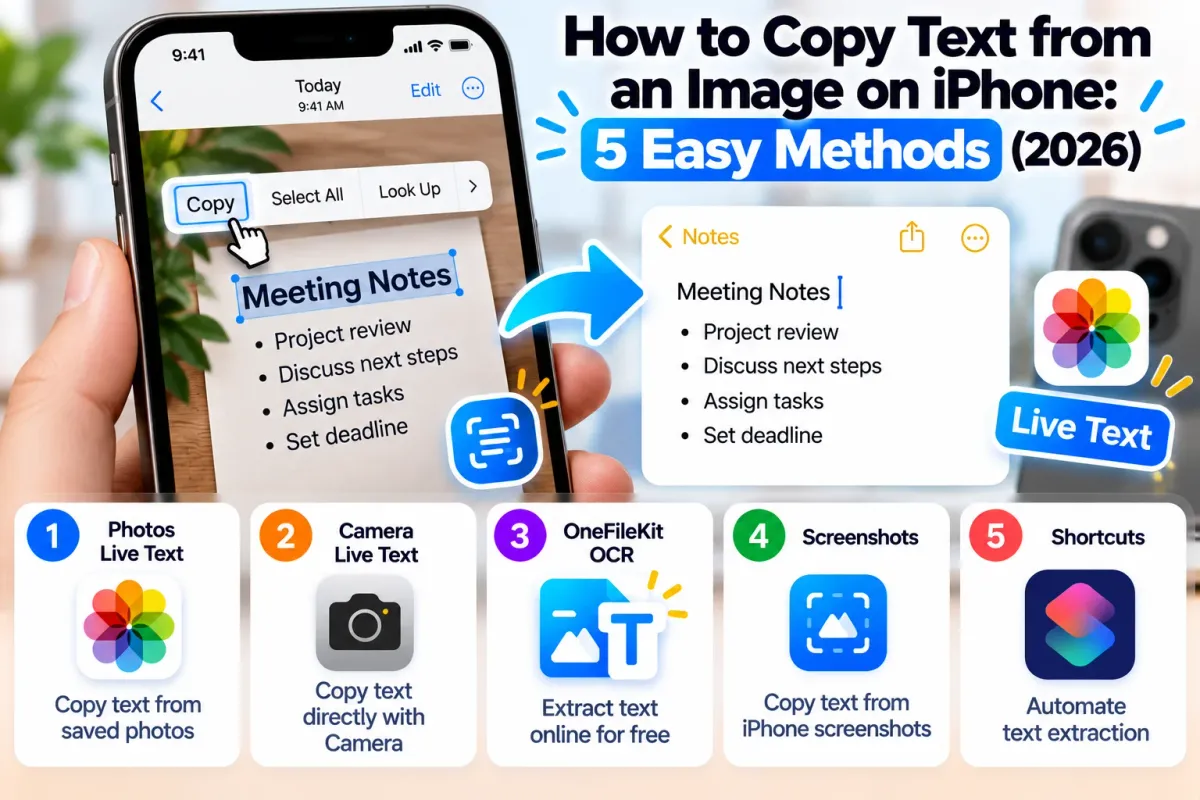
Discover five easy ways to copy text from images on iPhone. Use Live Text, Camera, screenshots, OneFileKit OCR and Shortcuts to extract editable text from photos.
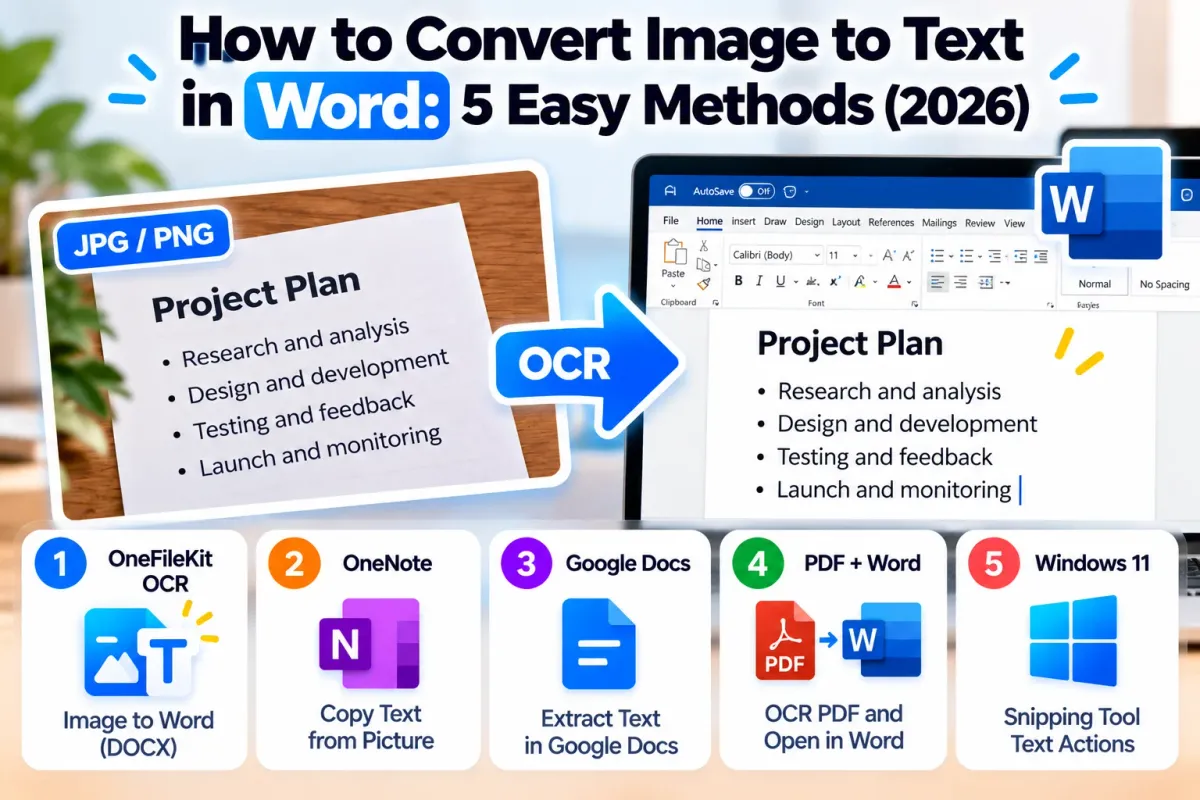
Discover five ways to convert images into editable Microsoft Word text using OneFileKit OCR, OneNote, Google Docs, PDF conversion and Windows 11 Text Actions.
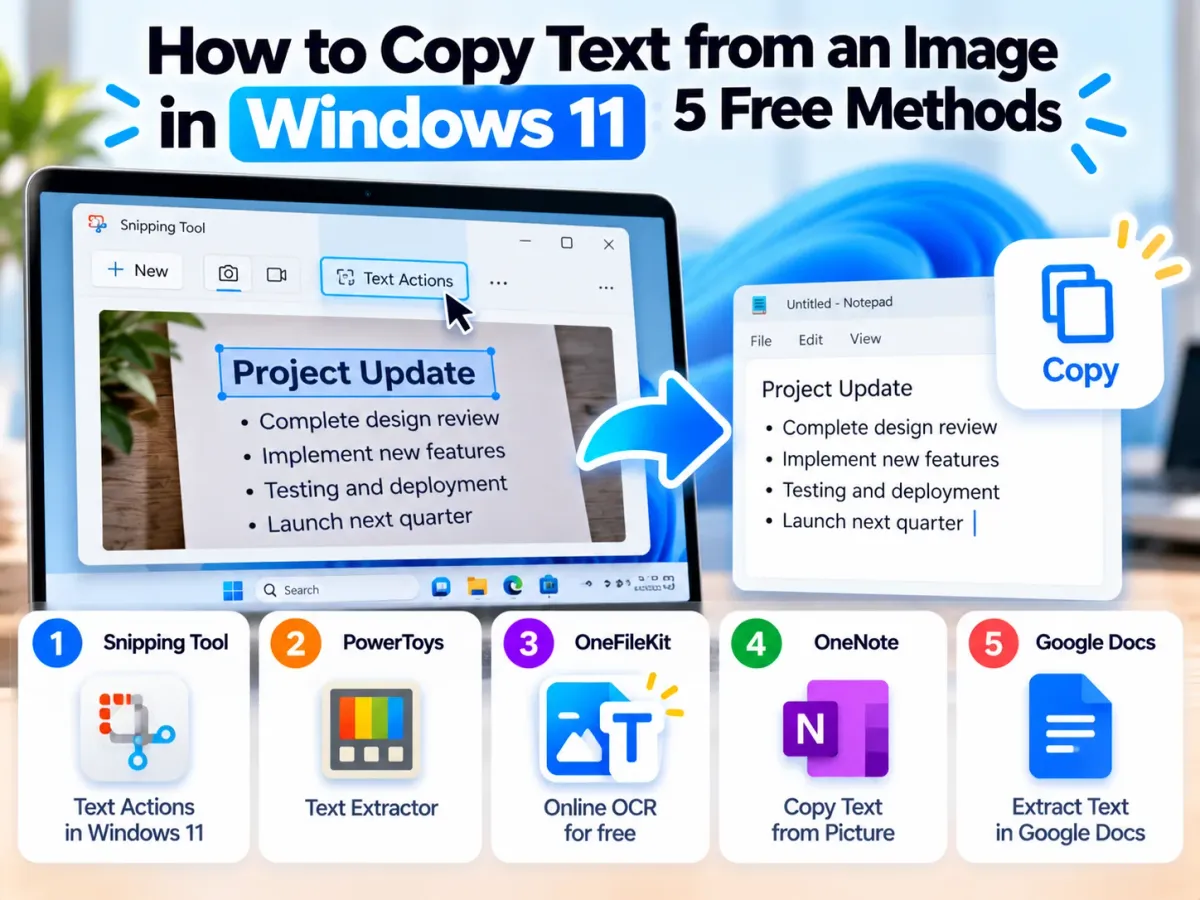
Discover five free methods to copy text from images in Windows 11. Extract editable text from screenshots, JPG, PNG and scanned documents using built-in tools and online OCR.
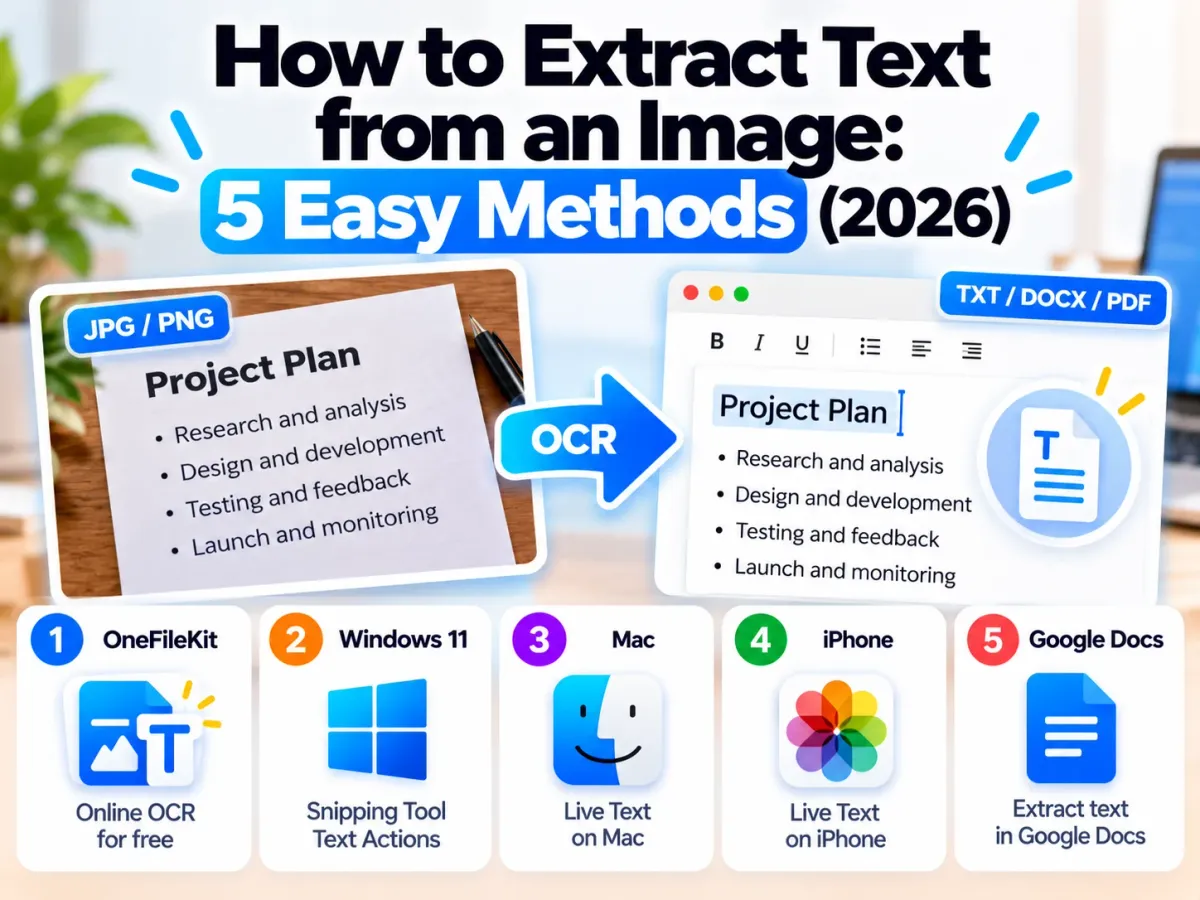
Discover five free ways to extract text from images in 2026. Learn how to use online OCR, Windows Snipping Tool, Mac Live Text, iPhone and Google Docs to copy editable text.
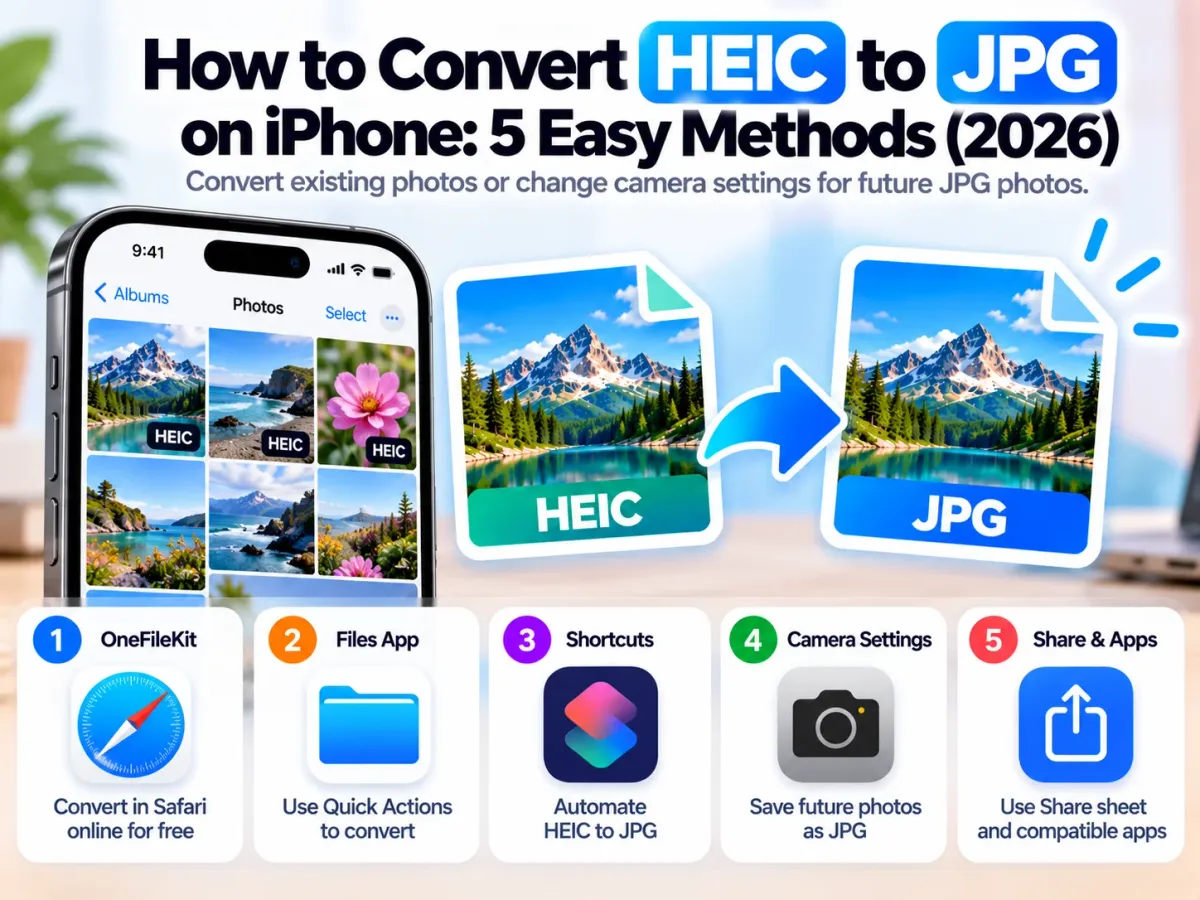
Learn how to convert HEIC to JPG on iPhone using five free methods. Convert existing photos with Files, Shortcuts or OneFileKit and change camera settings for future JPG photos.
OneFileKit offers free online PDF, image and document tools. Available features and any applicable limits are shown on individual tool pages.
You can access supported free tools without creating an account. Some optional features may require sign-in.
Temporary file retention depends on the tool. Check each tool page and our Privacy Policy for the applicable deletion period.
Yes. OneFileKit supports modern desktop and mobile browsers, although available features may vary by tool and device.
OneFileKit provides tools for PDF, JPG, PNG, Word, Excel, PowerPoint and other supported formats. Check each tool page for its accepted input and output formats
OneFileKit provides information about file processing and retention in its Privacy Policy and individual tool pages. Review these details before uploading sensitive documents.
Batch capabilities depend on the selected tool. Check the tool's upload and processing options for current support.
If you need help with OneFileKit or experience an issue with any of our online tools, visit our Contact Us page and submit your enquiry through the contact form. Our support team will review your message and respond as soon as possible.